AI image generation is revolutionizing how we create visual content. Instead of spending hours in Photoshop or hiring a designer, you can now describe what you want in plain English and get a stunning image in seconds.
How AI Image Generation Works
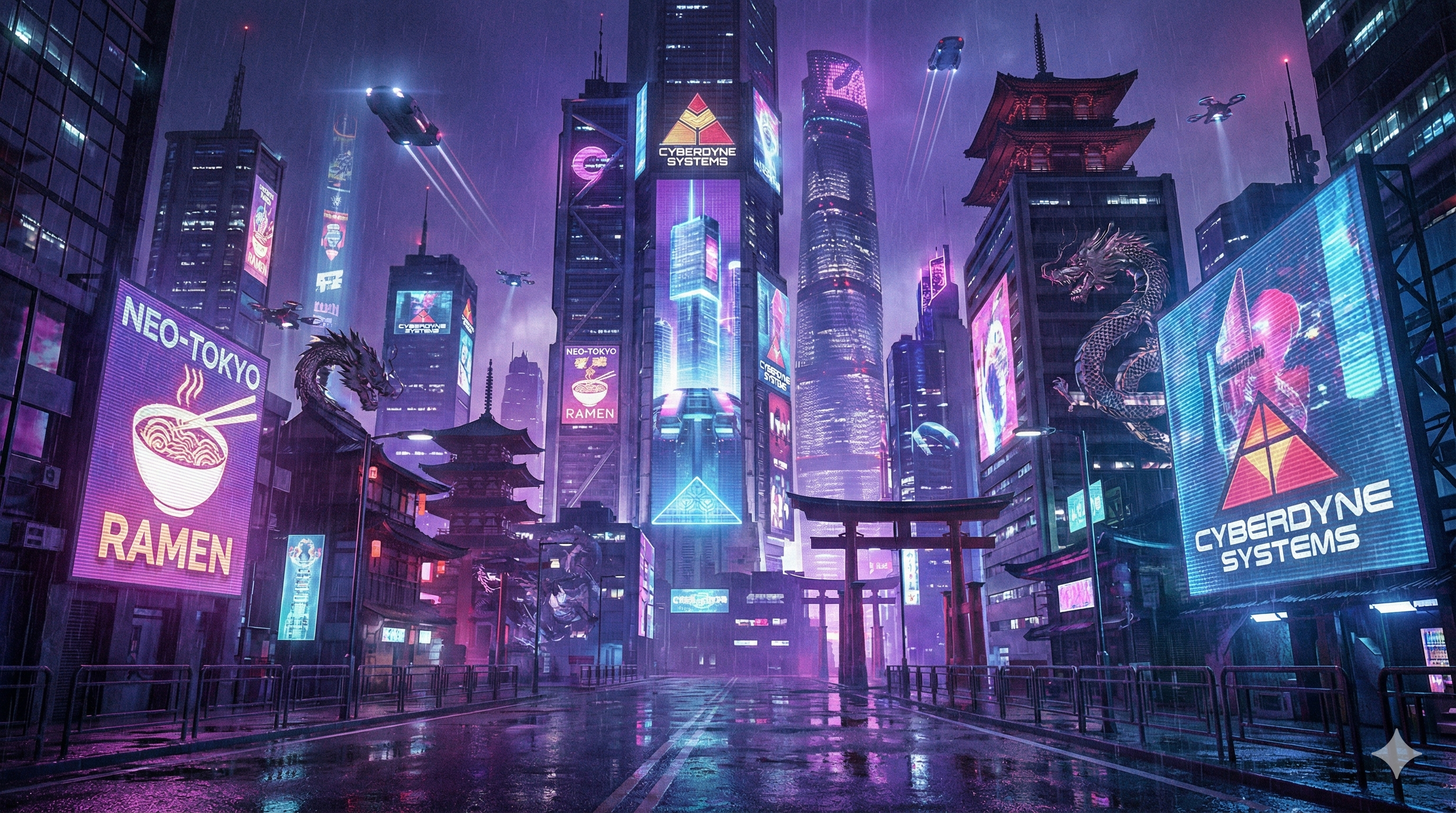
Modern AI image generators use deep learning models trained on millions of images and their descriptions. When you type a prompt like "a cyberpunk city at sunset with neon lights," the AI:
- Understands your text - Natural language processing breaks down your description into concepts
- Maps concepts to visuals - The model associates words with visual features it learned during training
- Generates the image - Through a process called diffusion, the AI creates an image that matches your description
Text-to-Image vs Image Editing
There are two main ways to use AI for images:
Text-to-Image Generation
Start from scratch. Describe what you want, and the AI creates it from nothing. Perfect for:
- Creating original artwork
- Generating illustrations for content
- Visualizing ideas and concepts
AI Image Editing
Transform existing images with natural language. Upload a photo and describe the changes you want. Great for:
- Changing the style of photos
- Adding or removing elements
- Enhancing image quality
The Technology Behind Nano Banana Studio
Nano Banana Studio is powered by advanced multimodal AI technology, delivering state-of-the-art image generation capabilities. This means:
- High-quality outputs - Detailed, coherent images that match your descriptions
- Fast processing - Results in seconds, not minutes
- Versatile styles - From photorealistic to anime, cyberpunk to classical art
Popular Styles Available
Our preset styles help you get consistent results:
| Style | Best For |
|---|---|
| Cyberpunk | Futuristic, neon-lit scenes |
| Miyazaki | Anime-style illustrations |
| Realistic | Photo-like images |
| Watercolor | Artistic, painterly looks |
| Pixel Art | Retro game aesthetics |
Getting Started
Ready to create your first AI image? Here's how:
- Visit Nano Banana Studio
- Choose text-to-image or image editing mode
- Describe what you want or upload an image
- Select a style (or use custom prompts)
- Click generate and download your creation
The free tier gives you 5 generations per month to try it out. No design skills required - just your imagination!
Tips for Better Results
- Be specific - "A golden retriever playing in autumn leaves" works better than "a dog"
- Include style details - Mention lighting, mood, or artistic style
- Iterate - Refine your prompts based on results
- Use presets - Our style presets are optimized for best results