Skip the theory. Below are ten prompts that produce predictable results on Nano Banana. Each one is structured the same way:
Prompt — the exact text to paste in Expected result — what comes back, on the first or second attempt Try it now — one click, opens the generator with the prompt pre-filled
Pick the closest one to what you want. Run it. Tweak from there.
1. Storefront sign with readable text
Prompt
A storefront sign that says "Grand Opening" in elegant gold lettering on a dark wood background, soft warm light from a streetlamp aboveExpected result A clean, single-line sign. Letters are evenly kerned. "Grand" on the left, "Opening" on the right. Gold against dark wood, with a soft halo of warm light. This is the easy version of text-in-image — short, two-word, high contrast.
2. Logo with one-word brand text
Prompt
A minimalist coffee shop logo with the text "BREW" in bold sans-serif on a cream background, single coffee bean icon to the leftExpected result Centered logotype, "BREW" in chunky sans-serif, no extra letters. The coffee bean icon sits proportional to the text, not oversized. Cream background, no gradient. This is the prompt to copy-paste when you need a tight, balanced logo.
3. Social media graphic with text + numbers
Prompt
An Instagram story graphic with "SALE 50% OFF" in modern bold typography, white text on a vibrant magenta-to-orange gradient, vertical 9:16 compositionExpected result Vertical phone-shaped frame. "SALE" stacked above "50% OFF," or both on one line — depends on the roll. The percent sign and the numerals usually come out right; if they don't, regenerate once. Most tools confuse 0 and O here. This one usually doesn't.
4. Product photo, studio lighting
Prompt
Professional product photo of a luxury watch on a dark marble surface. Three-point studio lighting, soft reflections, 45-degree angle. Clean background with subtle shadow, no textExpected result A single watch, cleanly lit, slight reflection on the marble. The "no text" instruction matters — without it, the model sometimes adds a fake brand name to the dial. Background is empty enough to drop a real logo on top in post.
5. Photorealistic portrait, controlled lighting
Prompt
Portrait of a jazz musician in a dimly lit club. 85mm lens, shallow depth of field, soft bokeh. Dramatic spotlight from above, smoke haze in the air, late evening moodExpected result Tight head-and-shoulders frame. Eyes in focus, instrument suggested but not the subject. Bokeh dots in the background, not a wall of blur. The "85mm" instruction does most of the work here — it's the difference between a real-camera-feeling portrait and a flat AI portrait.
6. Stylized illustration
Prompt
A cute fox character in Studio Ghibli style, soft watercolors, whimsical forest background, gentle morning light filtering through tall treesExpected result A single fox, painterly outlines, watercolor texture on the fur and the background. Light is the most important variable — "morning light filtering through tall trees" is what gives the image dimension. Drop the lighting line and you get a flat illustration.
7. Vintage poster with headline text
Prompt
A vintage concert poster with the text "JAZZ NIGHT" in bold red serif font at the top center, art deco geometric patterns, black and gold color scheme, slight paper-grain textureExpected result Headline in two stacked words or one wide line. "JAZZ NIGHT" usually correct. Art deco patterns frame the headline. The "paper-grain texture" instruction keeps it from looking like vector art. If it looks too clean, regenerate once.
8. Minimalist landscape, lots of negative space
Prompt
Minimalist landscape with vast empty sky taking up two-thirds of the frame. Single small tree silhouette on the horizon. Soft gradient from pale blue to warm peach, no cloudsExpected result Wide composition, sky-heavy, almost empty. Tree as a tiny silhouette anchor. Use this as a backdrop you'll overlay with text or UI later. The "no clouds" instruction is what keeps the sky clean.
9. Comic panel with speech bubble
Prompt
Comic book panel showing a superhero landing on a rooftop at night. Bold ink outlines, vibrant colors, dramatic perspective from below. Speech bubble at the top right reading "I'm here."Expected result Single panel framing. The "I'm here." speech bubble usually comes out right because it's two short words. Longer dialogue degrades fast — keep speech bubble text under five words for reliable rendering.
10. Reference-image-based edit (image-to-image)
Prompt (paired with an uploaded photo)
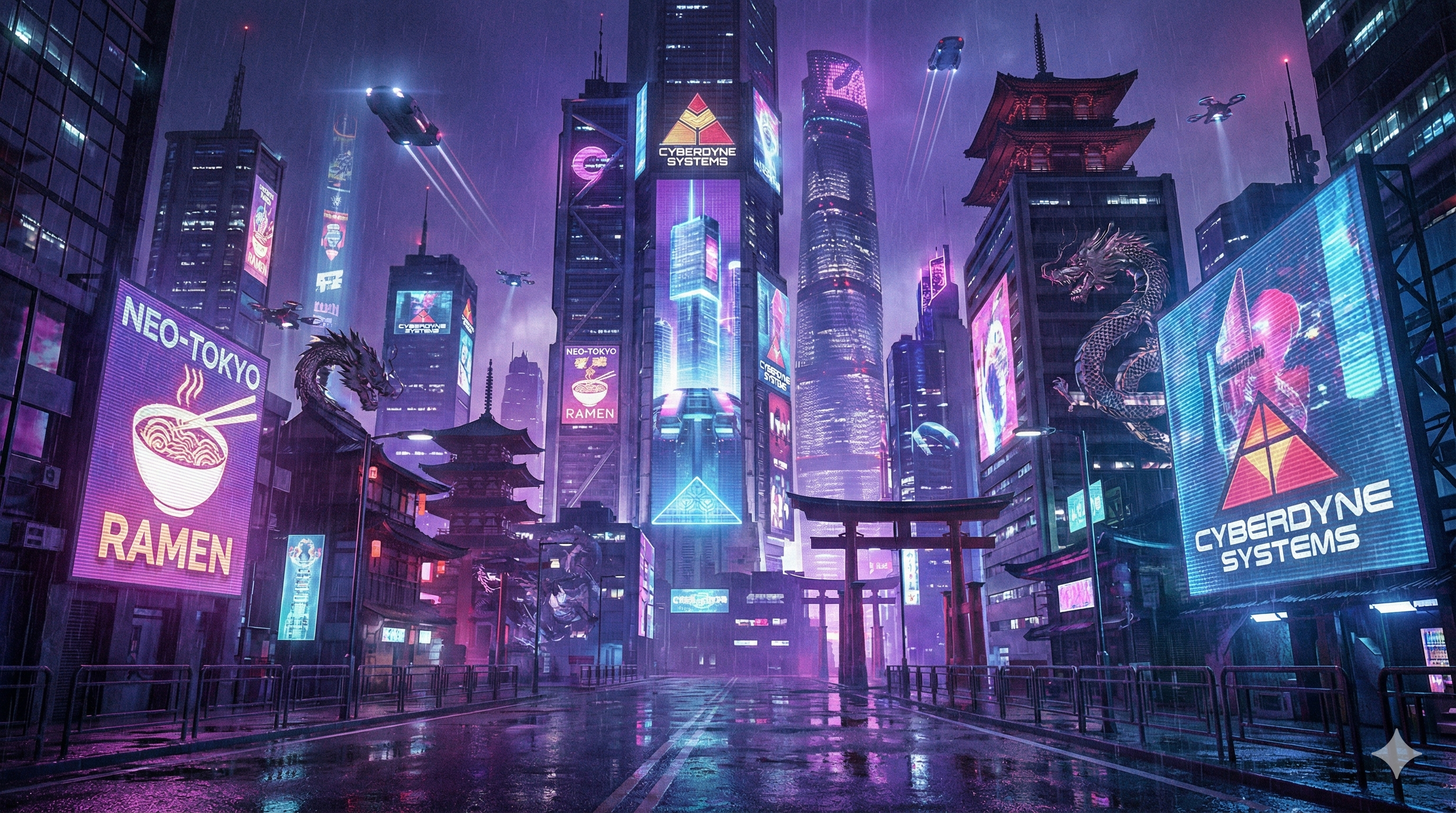
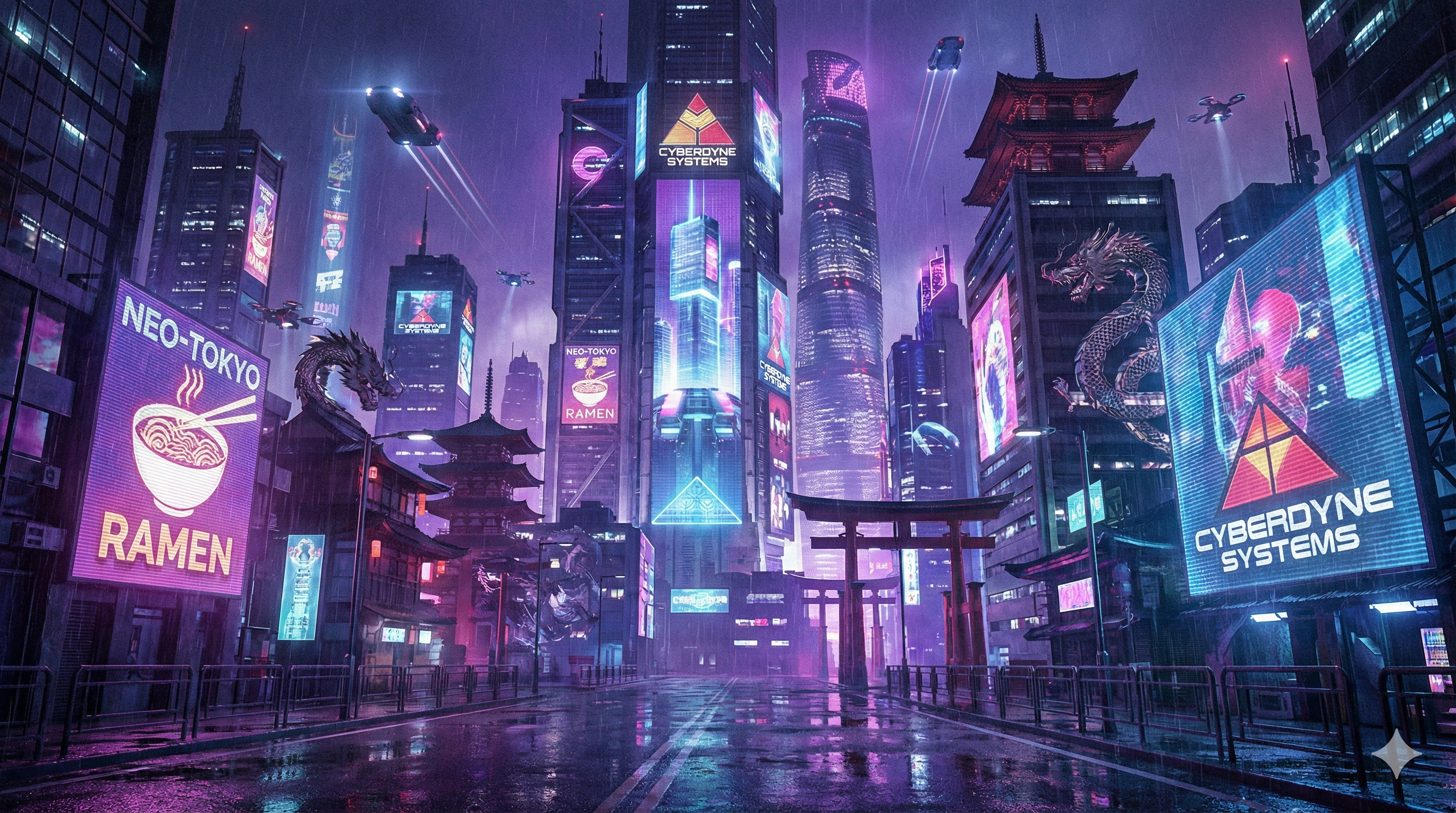
Same scene as the reference image, but make it a rainy night. Wet streets reflecting neon signs. Keep the composition and people exactly as they are.Expected result The model holds composition and figures stable, only swaps environment. This is the prompt structure to use when you want an edit rather than a new image. The phrase "keep the composition and people exactly as they are" is what stops it from re-generating from scratch.
Try it now (image-to-image) → (open the app, upload a photo, paste the prompt)
How to tweak any of these
Every prompt above has the same skeleton. If you want to adapt one of them, change one slot at a time and regenerate.
| Slot | What to change | Example |
|---|---|---|
| Subject | The thing in the image | "watch" → "perfume bottle" |
| Text content | The literal words to render — always in quotes | "Grand Opening" → "Coming Soon" |
| Composition | Framing and angle | "45-degree angle" → "top-down flat lay" |
| Lighting | Time of day or studio setup | "morning light" → "neon-lit night" |
| Style | Visual treatment | "watercolor" → "pencil sketch" |
Don't rewrite the whole prompt every time. Change one slot, see what moves, then change the next.
What doesn't work
These are the patterns that fail more than they succeed. Avoid them.
- More than 5 words inside quotes. Long phrases degrade. Break them across multiple text elements or shorten.
- Negative descriptions. "A street with no cars, no trash" — the model sees "cars" and "trash." Rewrite as "An empty cobblestone street."
- Adjective spam. "beautiful, stunning, 4k, masterpiece, highly detailed" doesn't help. Specific descriptions do.
- Cursive or script fonts with long text. Model can render cursive or exact spelling, not both for long text. Keep cursive prompts to 1–2 words.
- Multi-language text in a single image. Pick one. Mixing languages in the same image is unreliable.
If you're hitting any of these, the prompt isn't the problem — the structural request is. See why AI struggles with text in images → for the underlying reason.
When you need to refine
Most usable images come from 1–2 attempts. If you're past three, stop re-rolling and change the prompt instead.
The fastest fix is usually one of:
- Shorten the text in quotes. Drop one word.
- Add a lighting clause. "Late afternoon golden light" or "soft studio softbox."
- Add a composition clause. "Centered" or "wide shot, low angle."
- Remove an adjective. Especially the vague ones.
You don't need to specify everything upfront. Iterate.
Run anything above
Every prompt on this page has a Try Now link that pre-fills the input. Hit one, see what comes back, edit one slot, run again.
Related references:
- Nano Banana vs DALL-E 3 — same prompts, side by side →
- Why AI struggles with text in images →
- How Nano Banana works under the hood →
- Best AI image generators for text, tested →
Last updated May 2026. Prompts are tested against the current Nano Banana model. As models change, results shift slightly — re-test if anything looks off.