Want to learn how to use Nano Banana? This complete guide will walk you through everything you need to know to create stunning AI images from text descriptions or edit existing photos using natural language.
Key Takeaways
- Nano Banana is a free AI image generator powered by advanced multimodal AI
- You can create images from text (text-to-image) or edit existing photos
- No design skills required - just describe what you want in plain English
- Free trial includes 5 credits to start
What is Nano Banana?
Nano Banana is an AI-powered image generator and editor built on advanced multimodal AI technology. Our technology enables natural language understanding for visual creation, allowing you to describe images in plain language and get stunning results.
With Nano Banana, you can:
- Create images from text - Describe what you want, and AI generates it
- Edit photos with words - Tell the AI what to change in your existing images
- Apply artistic styles - Transform images into cyberpunk, anime, watercolor, and more
Getting Started with Nano Banana
Step 1: Visit Nano Banana Studio
Go to Nano Banana Studio to access the AI image generator.
Step 2: Sign In (Optional)
While you can explore the interface, you'll need to sign in to generate images. Use your Google account for quick access.
Step 3: Choose Your Mode
Nano Banana offers two main modes:
| Mode | Best For | Example Use Case |
|---|---|---|
| Text-to-Image | Creating new images from scratch | Logo concepts, artwork, illustrations |
| Image Editing | Transforming existing photos | Background removal, style transfer |
How to Create Images from Text
Follow these steps to generate your first AI image:
- Select "Text-to-Image" mode in the generator
- Write a detailed prompt describing your desired image
- Choose a style (optional) - Select from presets like Cyberpunk, Miyazaki, Realistic, etc.
- Click Generate - Wait a few seconds for your AI image
Writing Effective Prompts
The key to great results is writing good prompts. Based on best practices from AI research, here are proven tips:
Be Specific
- ❌ Bad: "a cat"
- ✅ Good: "a fluffy orange cat sitting on a windowsill at sunset"
Include Style Details
- Add lighting: "soft morning light", "neon glow"
- Mention mood: "peaceful", "dramatic", "mysterious"
- Specify art style: "oil painting style", "digital art", "photorealistic"
Example Prompts to Try
Try these prompts in Nano Banana Studio:
A cozy coffee shop interior with warm lighting,
rain visible through the window, watercolor style
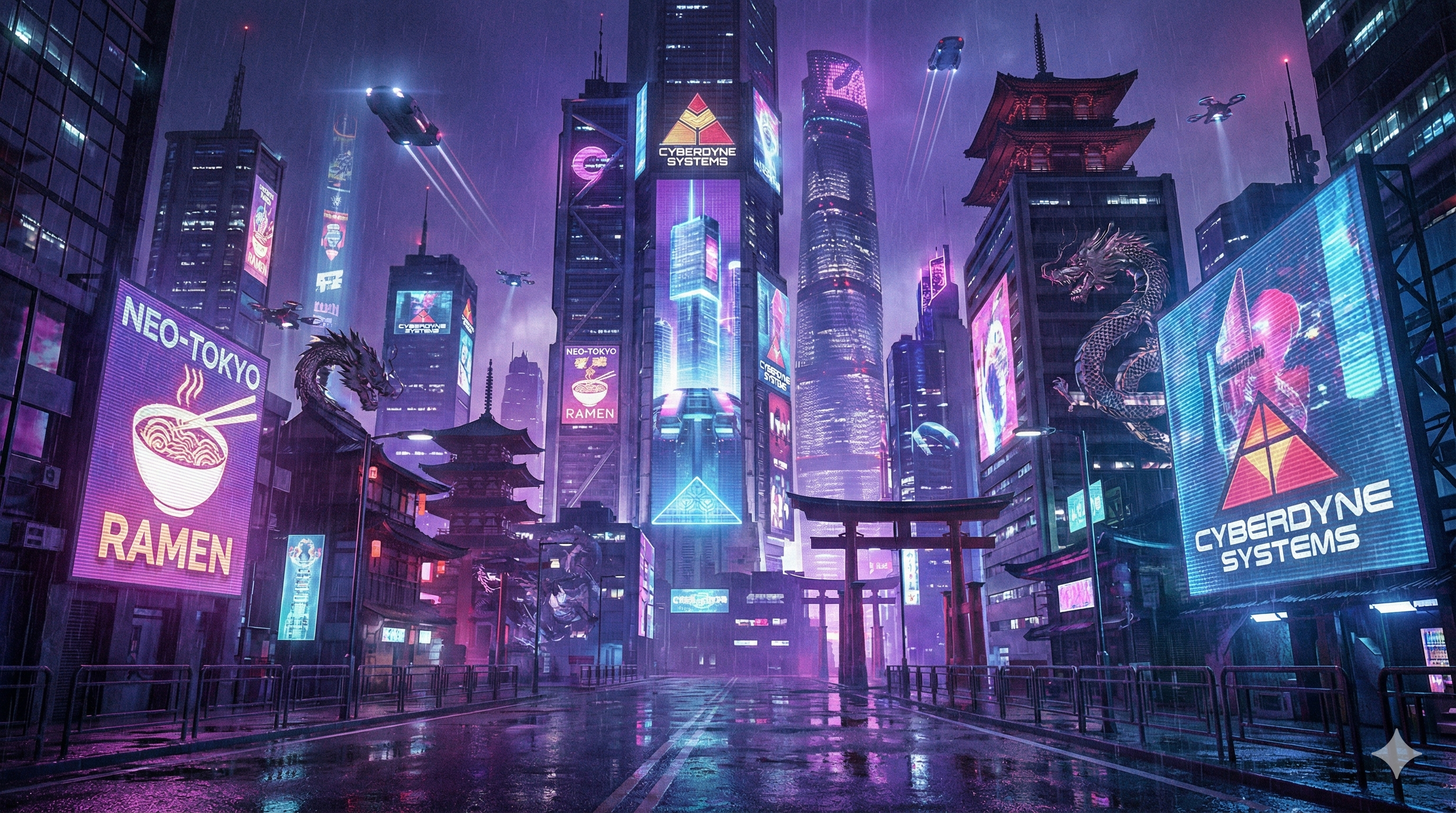
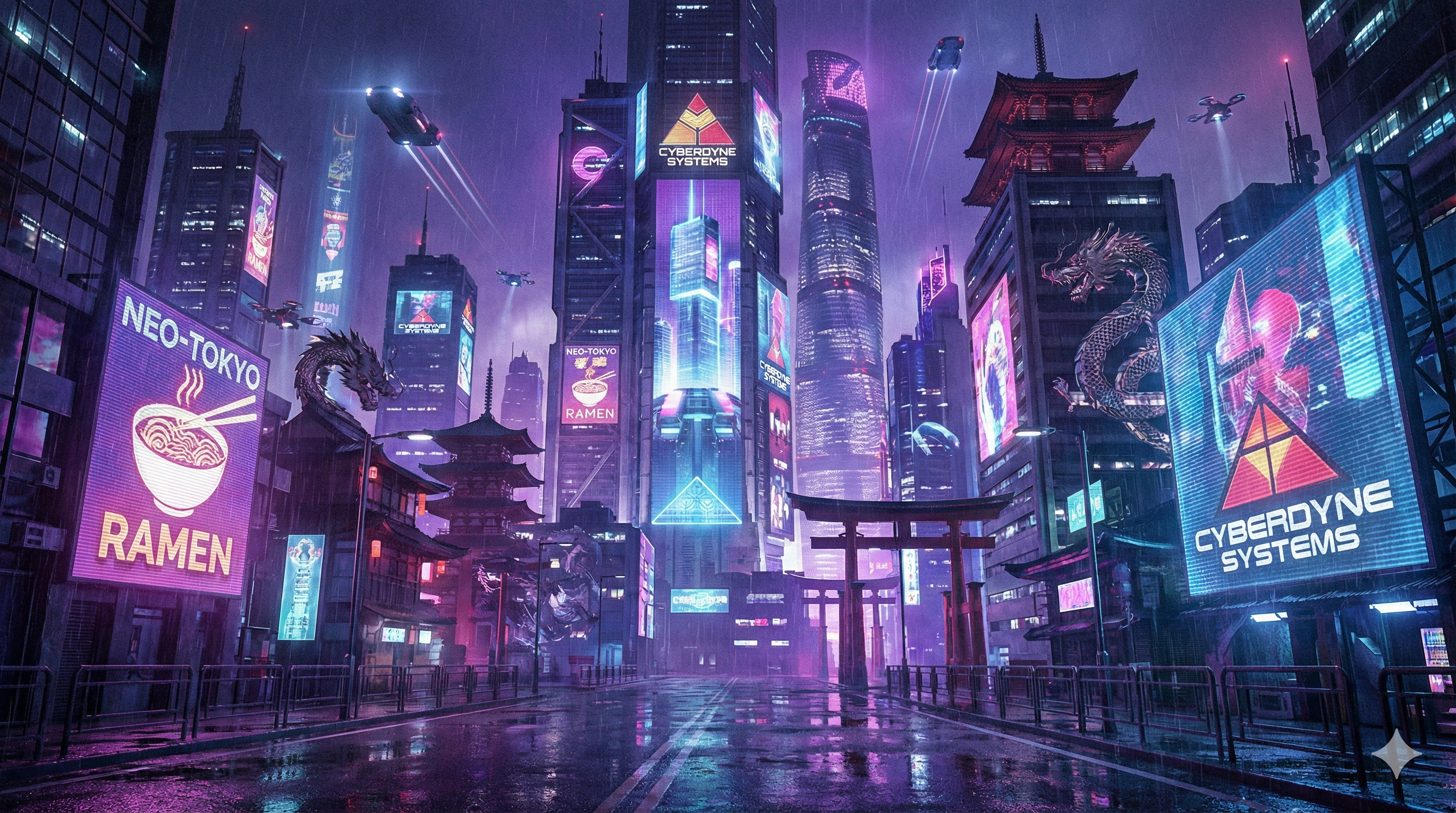
Futuristic cityscape at night with flying cars
and neon signs, cyberpunk stylePortrait of a wise wizard in a mystical forest,
fantasy art, detailed, magical atmosphereHow to Edit Photos with Nano Banana
- Select "Image Editing" mode
- Upload your image - Drag and drop or click to browse
- Describe the changes you want in natural language
- Click Generate to see the edited result
Example Editing Commands
- "Change the background to a beach sunset"
- "Make the person wear a red dress instead"
- "Add snow falling in the scene"
- "Transform this into anime style"
- "Remove the background and make it transparent"
Understanding Nano Banana Styles
Available Style Presets
| Style | Description | Best For |
|---|---|---|
| Cyberpunk | Neon lights, futuristic, urban | Sci-fi scenes, gaming content |
| Miyazaki | Studio Ghibli anime aesthetic | Illustrations, character art |
| Realistic | Photo-like quality | Product images, portraits |
| Watercolor | Soft, painterly look | Artistic content, invitations |
| Pixel Art | Retro game style | Game assets, nostalgic content |
| Oil Painting | Classical art texture | Fine art, decorative prints |
Using Custom Styles
Don't see your preferred style? Add it directly to your prompt:
- "in the style of Van Gogh"
- "minimalist flat design"
- "vintage 1950s advertisement"
Tips for Best Results
Based on our testing and user feedback:
- Start simple - Begin with basic prompts and add details gradually
- Iterate - Generate multiple variations and refine your prompt
- Use references - Look at our Prompt Inspirations for ideas
- Experiment with styles - Try different presets on the same prompt
- Save your favorites - Download images you like to your device
Nano Banana Plans Comparison
| Feature | Free Trial | Starter | Pro | Max |
|---|---|---|---|---|
| Generations | 5 (one-time) | 50/mo | 300/mo | 1000/mo |
| Resolution | Standard | Standard | Higher | Higher |
| Commercial use | ❌ | ✅ | ✅ | ✅ |
| Processing speed | Standard | Standard | Priority | Fastest |
| Price | $0 | $9.90/mo ($4.95 first month) | $19.90/mo | $69.90/mo |
Upgrade to Nano Banana Pro when you need more generations or commercial rights.
Frequently Asked Questions
How many images can I create for free?
Free accounts get 5 credits to start. Need more? The Starter plan is just $4.95 for your first month.
What image formats are supported?
PNG, JPG, and WEBP for both input and output.
Can I use the images commercially?
Free tier images are for personal use only. Upgrade to Pro for commercial rights.
How long does generation take?
Most images are generated in 5-15 seconds, depending on complexity.
Is Nano Banana safe to use?
Yes. We use secure authentication via Google OAuth and don't store your images on our servers longer than necessary for processing.
Troubleshooting Common Issues
| Issue | Solution |
|---|---|
| Image not generating | Check your internet connection and try again |
| Poor quality results | Add more details to your prompt |
| Style not applying | Include style keywords at the end of your prompt |
| Generation timeout | Try a simpler prompt or wait and retry |
Start Creating Now
Ready to create your first AI image? Visit Nano Banana Studio and start with a simple prompt. Remember, the best way to learn how to use Nano Banana is by experimenting!
Need more inspiration? Check out our Prompt Inspirations section for one-click prompts you can try instantly.
Related Articles
Last updated: January 27, 2025. This guide reflects the latest Nano Banana Studio features.